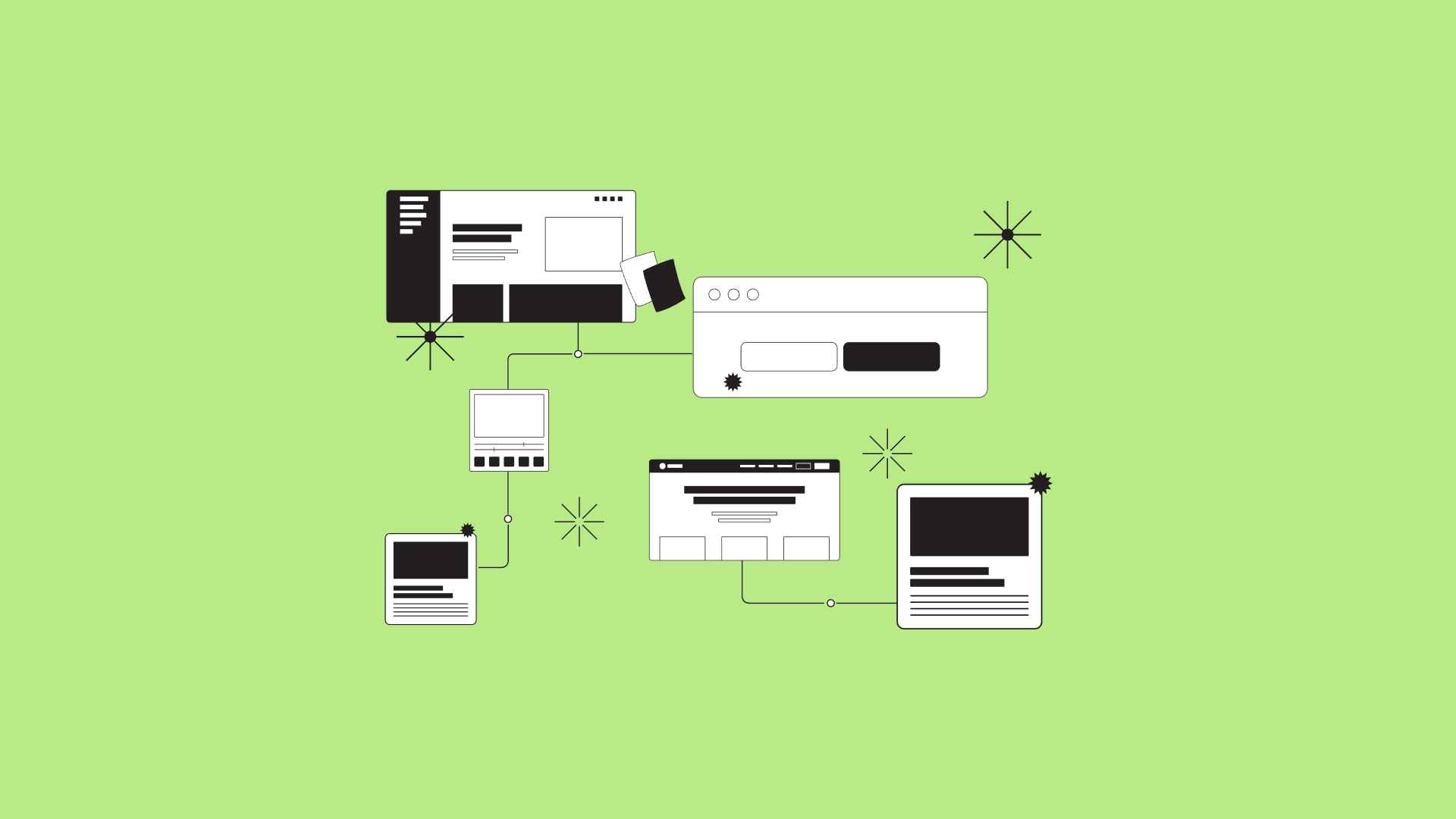
It’s really easy to get excited about new product ideas and start mocking up really cool UI and screens and make something feel real.
But... that approach can become an expensive distraction that hurts your team in so many ways down the road.
We’ve been designing and building products for over a decade and have found that staying focused on lo‑fidelity design through an app mapping process can save you a lot of headaches. This process is powerful for all team members on a project because it helps everyone focus on data and structure over aesthetics (too soon).
Let’s explore how app mapping benefits designers, product owners, and developers, and how you can implement it in your workflow.
App Mapping presentation and demonstration
This article is a compact version of a longer presentation. You can put this approach into practice by leveraging our template.
Customer Journey and App Mapping Template in Figma
This template file has been updated over the years.
What is App Mapping?
App mapping is the process of systematically designing a product’s flow, prioritizing data relationships and structural clarity over visual design.
It's a foundational tool for teams to:
- Align on vision and goals early in the process.
- Iterate quickly and efficiently.
- Avoid costly rework during later stages of development.
App mapping can be used for entire products or specific features, making it versatile for teams of any size or scope.

How is App Mapping different from Customer Journey Mapping?
Let’s clear this up so there’s no confusion.
App mapping is a blueprint for building the app, while customer journey mapping is for understanding the experience users need and desire from the product. Customer journey map data will inform decision‑making within the app mapping process.
Focus
App Mapping
The structure, data flow, and functional design of a digital product. It defines how screens, actions, and data interact and flow together, emphasizing technical clarity and relationships between system components.
Customer Journey Mapping
The end‑to‑end experience of the user or customer as they interact with a product, service, or brand. It visualizes steps, touchpoints, and emotions across the journey.

Purpose
App Mapping
- Aligns teams on the internal structure and flow of the app.
- Improves iteration speed by focusing on data and structural clarity.
- Guides technical development and design decisions.
Customer Journey Mapping
- Identifies pain points and opportunities in the overall experience.
- Ensures alignment between customer needs and business goals.
- Helps create strategies that improve satisfaction, loyalty, and engagement.
Output
App Mapping
Produces a technical blueprint that guides app development and design—highlighting flows, actions, and structure.
Customer Journey Mapping
Produces a visual journey map with customer pain points, emotional states, and improvement opportunities.
Benefits of App Mapping for different roles
For every role, App Mapping helps create improved prioritization. Exercises like the MoSCoW Method are great tools to assist you and your team in the process.
Learn more about the MoSCoW Method to understand how these tags work within our template.

For Designers
Faster Iteration
Create and refine flows within minutes, enhancing collaboration and reducing bottlenecks.
Deeper System Understanding
Focus on data and structure to have more meaningful conversations with developers.
Clear Roadmap
The process provides a clear roadmap for visual design, creating alignment across the team.
Less Rework
Reduce the chances of redesign after UI has been polished just to squeeze in “one more thing.”
For Product Owners
More Accurate Estimates
Increase estimate accuracy by involving development teams early.
Stakeholder Alignment
Visual flows help stakeholders understand scope and complexity.
Vision Clarity
Identify ambiguities early and align teams on priorities and objectives.
For Developers
Early Input
Contribute to the design process early to reduce misaligned expectations.
Data Foundations
Integrate with object‑oriented UX to understand data relationships and backend needs.
Smoother Development
Clear flows and defined actions minimize rework and accelerate development.
Common challenges App Mapping can prevent
Lack of clarity for every role
Vague product briefs can derail a project from the start. Assuming everyone understands expectations is what causes bigger issues later on.
App mapping brings clarity by:
- Defining objectives and assumptions early
- Highlighting gaps in understanding
- Creating a shared language for teams
Visual focus too soon (don’t fall into this trap)
Diving into high‑fidelity designs prematurely can lead to wasted time and effort. Moodboards and concepts are great, but don’t let those become working files before flows are clearly defined.
App mapping keeps teams focused on:
- Structural integrity
- Data organization
- Functional flows
Late feedback
Structural changes late in development can be costly. App mapping helps by incorporating feedback early, iterating at low fidelity, and aligning development with design from the start.
How to Implement App Mapping
1. Start with a brief
Define objectives and scope. Break the brief into actionable goals and questions. Reference existing customer journey maps.
2. Use tools and templates
Use FigJam or Miro and consider a dedicated app mapping kit. Grab our free app mapping user flow template for Figma.
3. Collaborate across teams
Involve product owners, designers, developers, and stakeholders. This ensures diverse perspectives and early buy‑in.
4. Iterate quickly
Explore multiple iterations of a flow, focusing on data and structure rather than visuals.
5. Validate and refine
Share the map with stakeholders for feedback and incorporate input before moving to high fidelity.
Do what you can to put it into practice
Every team has a slightly different process and approach. Take what's helpful here and adapt it to your context. Whether you’re working on an MVP or a complex enterprise product, app mapping can improve your design and development approach.
Related design resources
- Customer Journey and App Mapping Template for Figma
- Moscow Method for Feature Prioritization
- Design System Courses
- UX Audits - Actionable Plans to Fix Bad UX